Here is a step-by-step guide to closing a month from an accounting perspective. This is based on the assumption that the operation has prepared and determined the revenues in accordance with the article Operational Preparations.
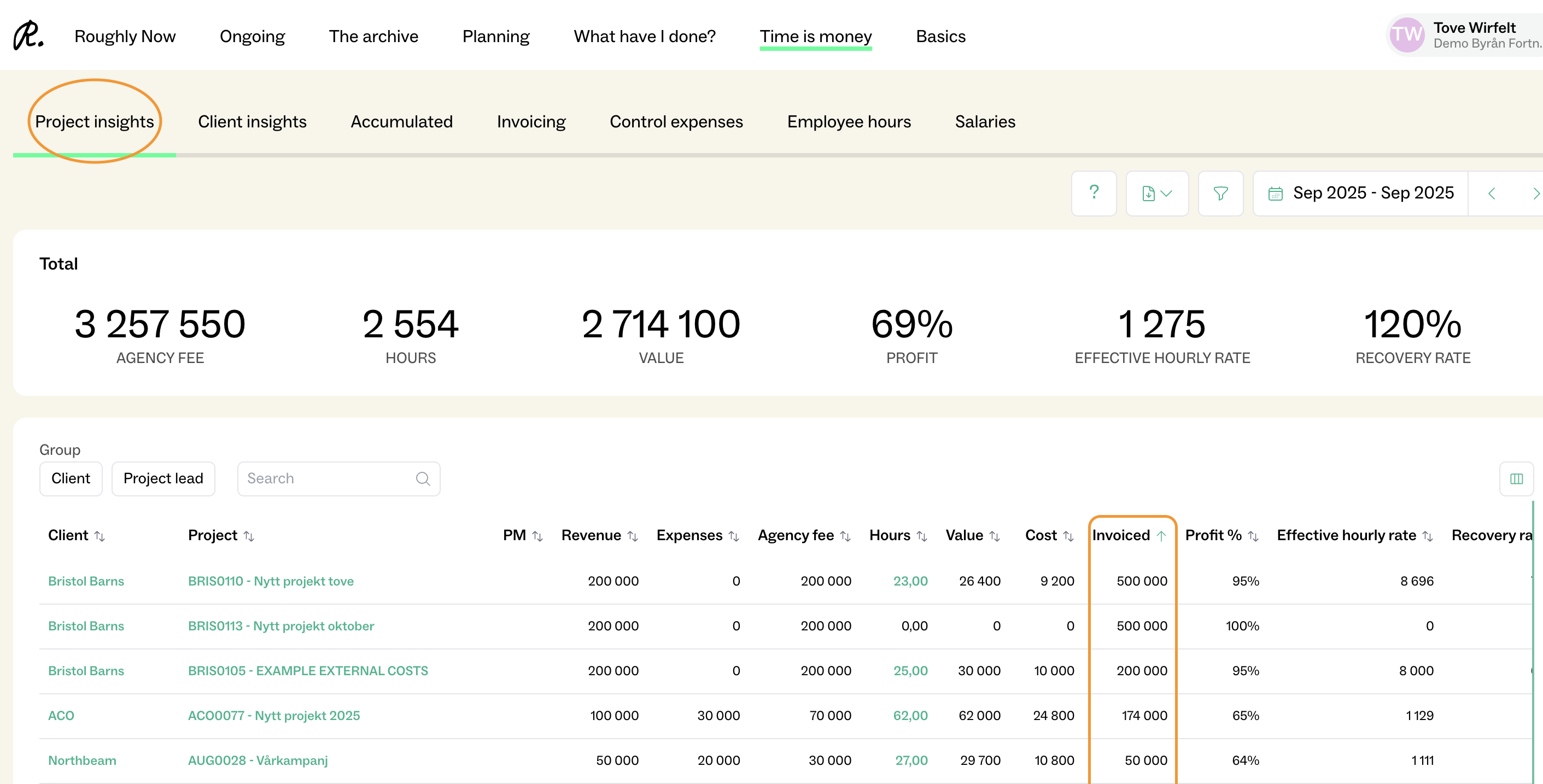
Is the invoicing consistent with Fortnox?
Go to Time is money > Project insights > Invoicing
NOTE: You have to choose the specific month which you want to close in the time interval, and you should be in the tab Project Insights and NOT Invoicing!
What to check if this number does not match:
If there are invoices in Fortnox without a connected project (check the main ledger for the relevant income accounts).
If there are invoices in Fortnox that are not marked as sent.
If there are "planned invoices" marked as sent in Roughly Right, but there is no real invoice in Fortnox. You can easily find these under Ongoing > Invoicing.
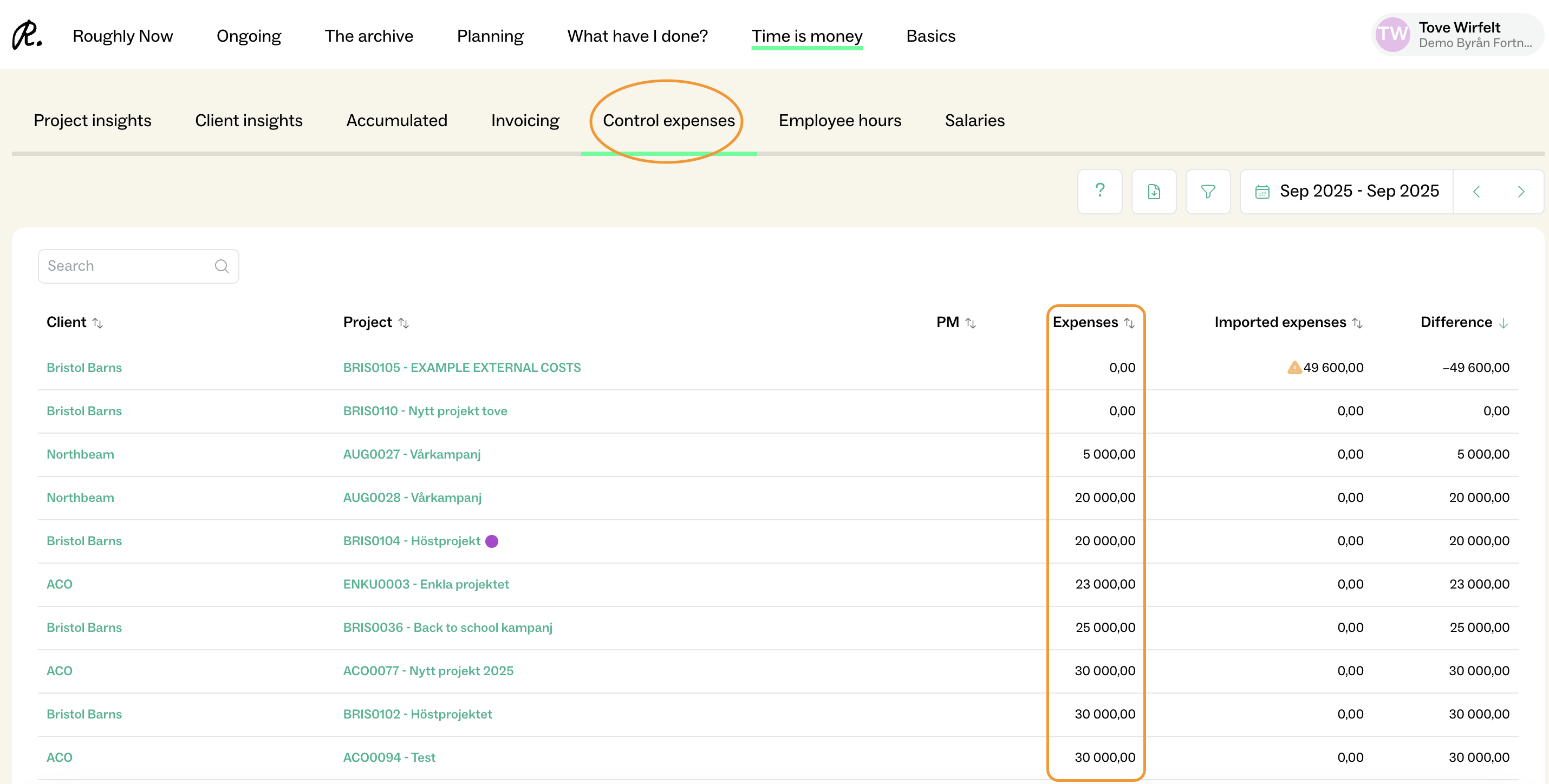
Are the expenses consistent with Fortnox?
Go to Time is money > Control Expenses
NOTE: You have to choose the specific month which you want to close!
Export SIE file
Go to Time is money > Accumulated
Reverse the previous project reconciliation in Fortnox
Import the new file
Check that the revenue and agency revenue achieved the expected result