
Menu
We have introduced new features for Activities and Expenses in the Project Home.
The updates include:
1. Ability to reorder activity and expense line items
2. Ability to add descriptions to purchases and activities in quotes
3. Ability to add quantity to expenses
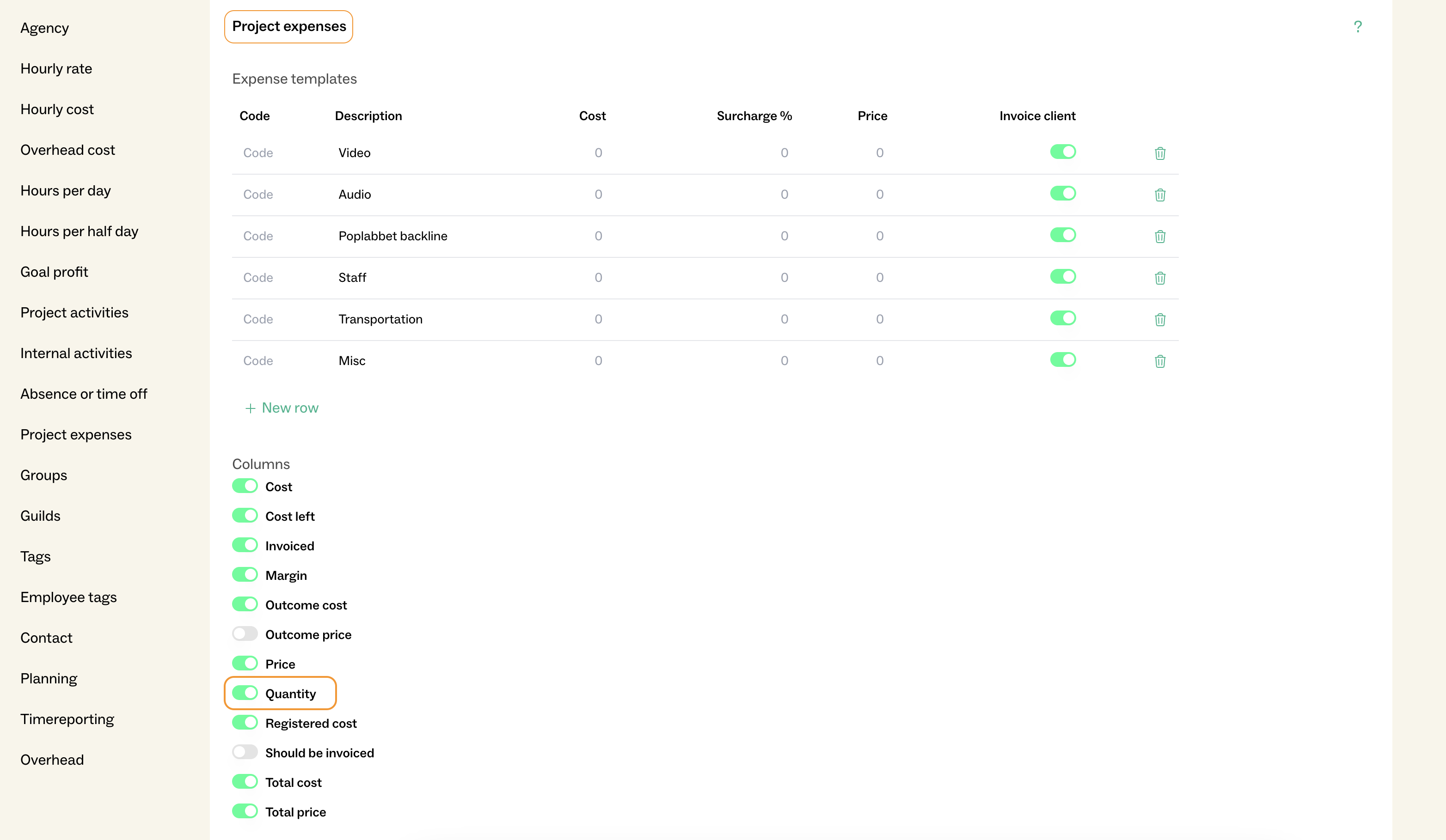
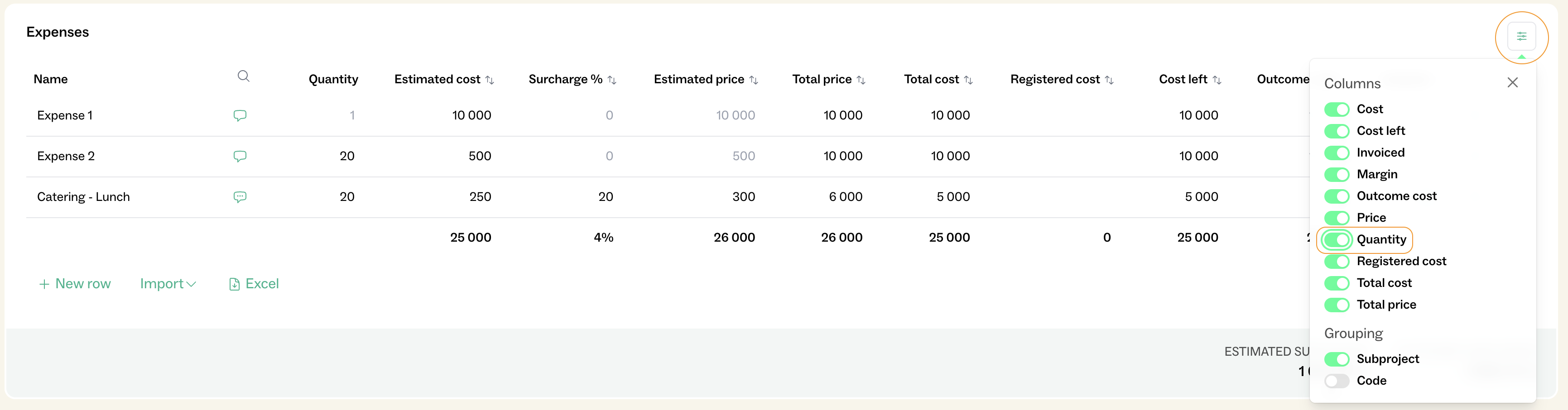
4. Ability for administrators to configure columns for expenses in Basics
5. New expense columns: *Registered* and *Not Registered*
6. Updated design for allocation, with the option to collapse purchases
See guide below explaining what has changed and how to use the new functionality.
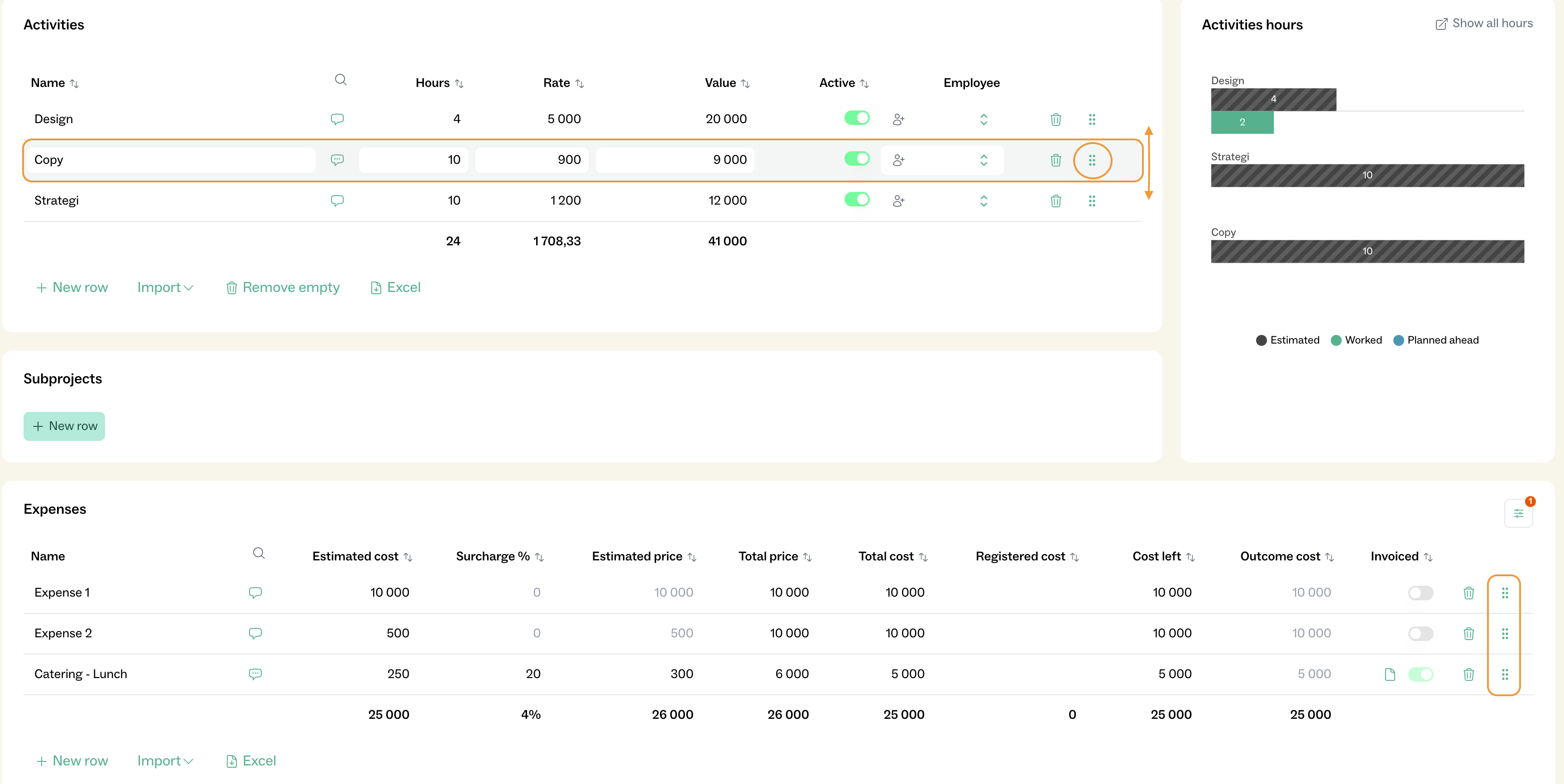
You can now change the order of rows under Activities and Expenses.
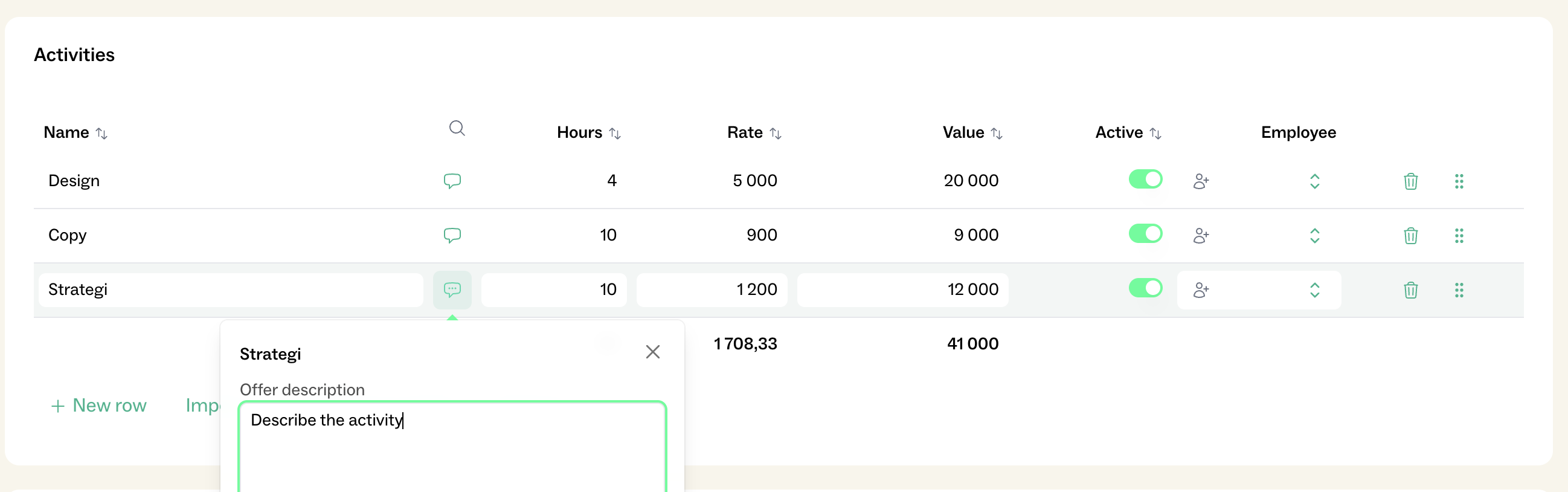
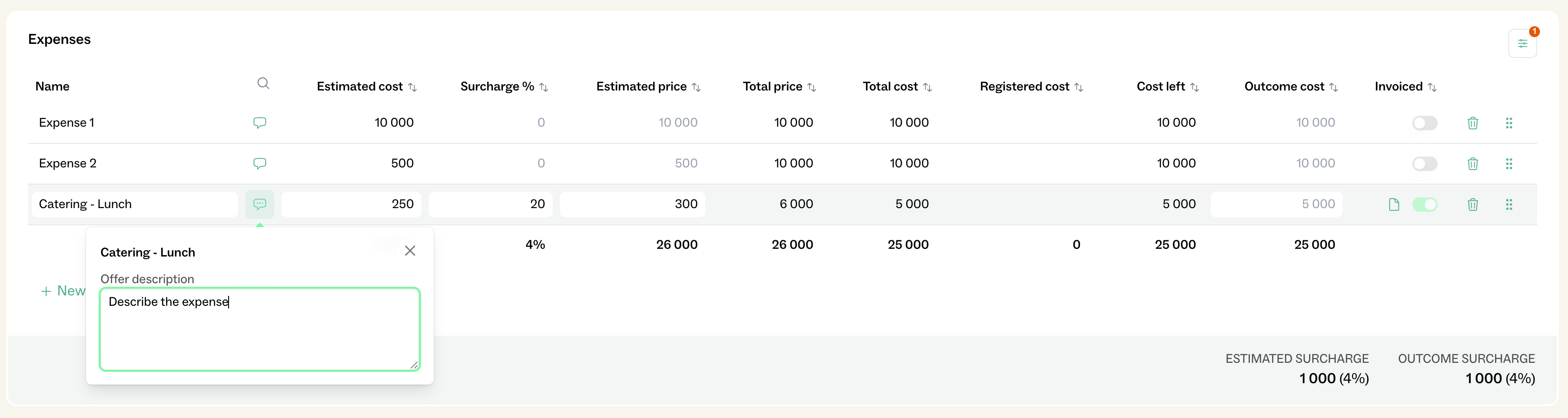
You can add a description to each activity and expense row.
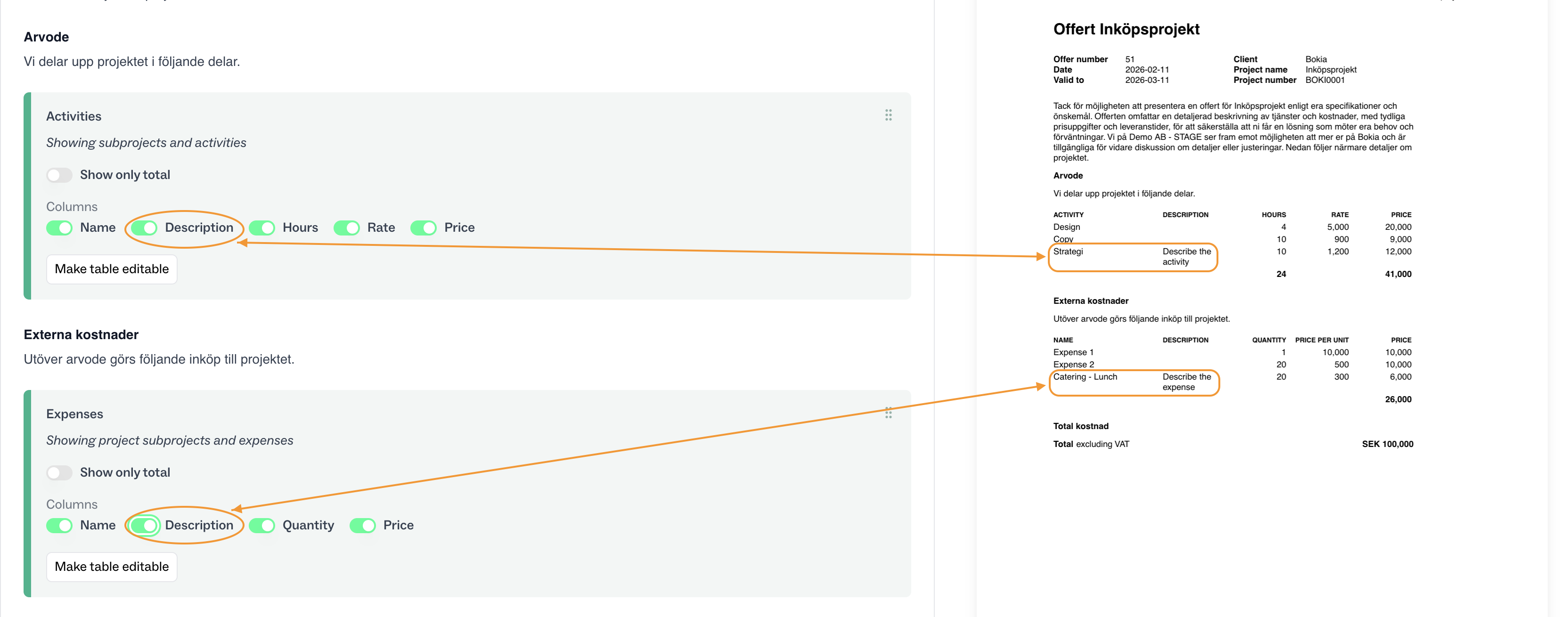
The descriptions can then be added to the Offer for the customer to see.
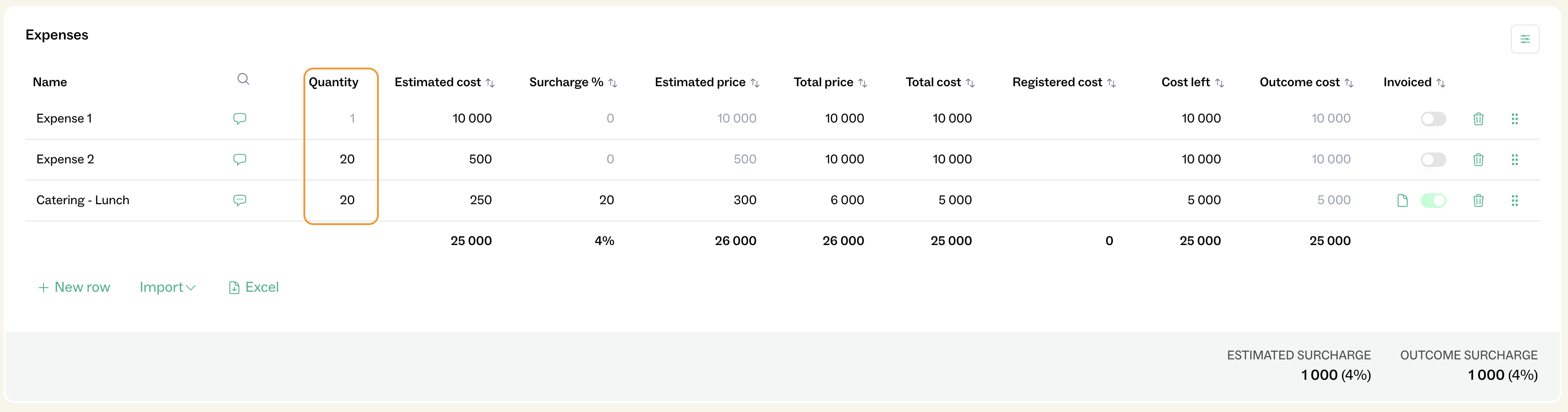
You can now add Quantity to Expenses. When the column Quantity is added, the Estimated cost is for each quantity (unit price). The total cost is automatically calculated (Quantity × Estimated cost).
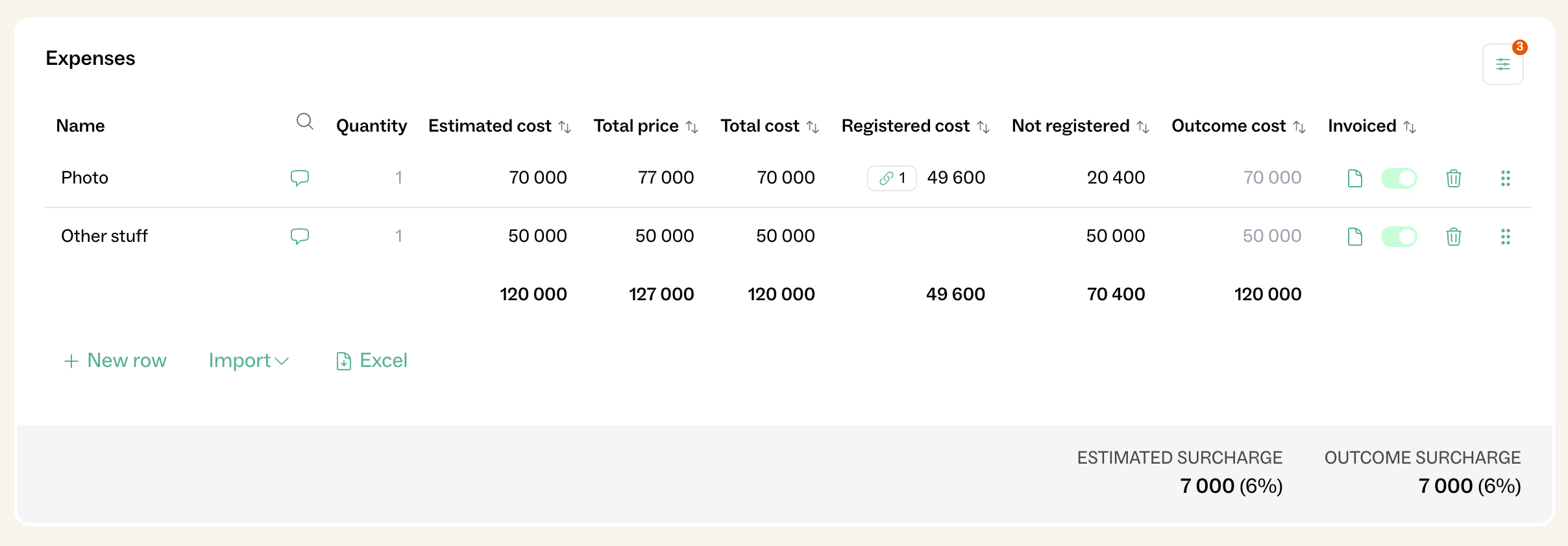
To clarify which costs have been recorded in the accounting system and which are still outstanding, two new columns have been added:
Registered Costs:
Displays the total amount of all invoices/vouchers that have been linked to the purchase line.
Not Registered:
Shows how much of the estimated budget has not yet been registered, i.e. the remaining amount expected based on the budget.
Outcome Cost
The field is based on the estimated cost until an actual value has been set. The field can be set automatically when linked, or manually if the budget has changed.
The table under Allocations has received a minor design update. The purpose is to:
