Menu
In the beginning of the year, these two things need to be updated in Roughly Right by admin:
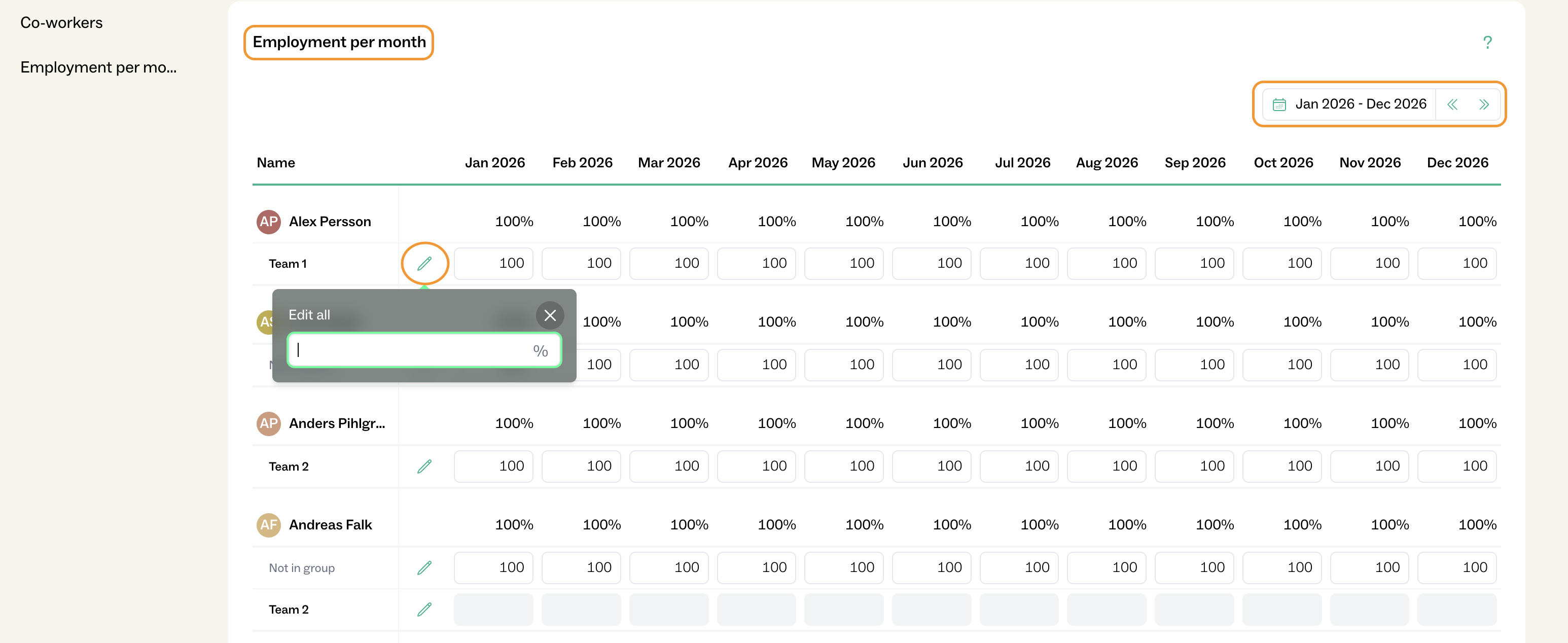
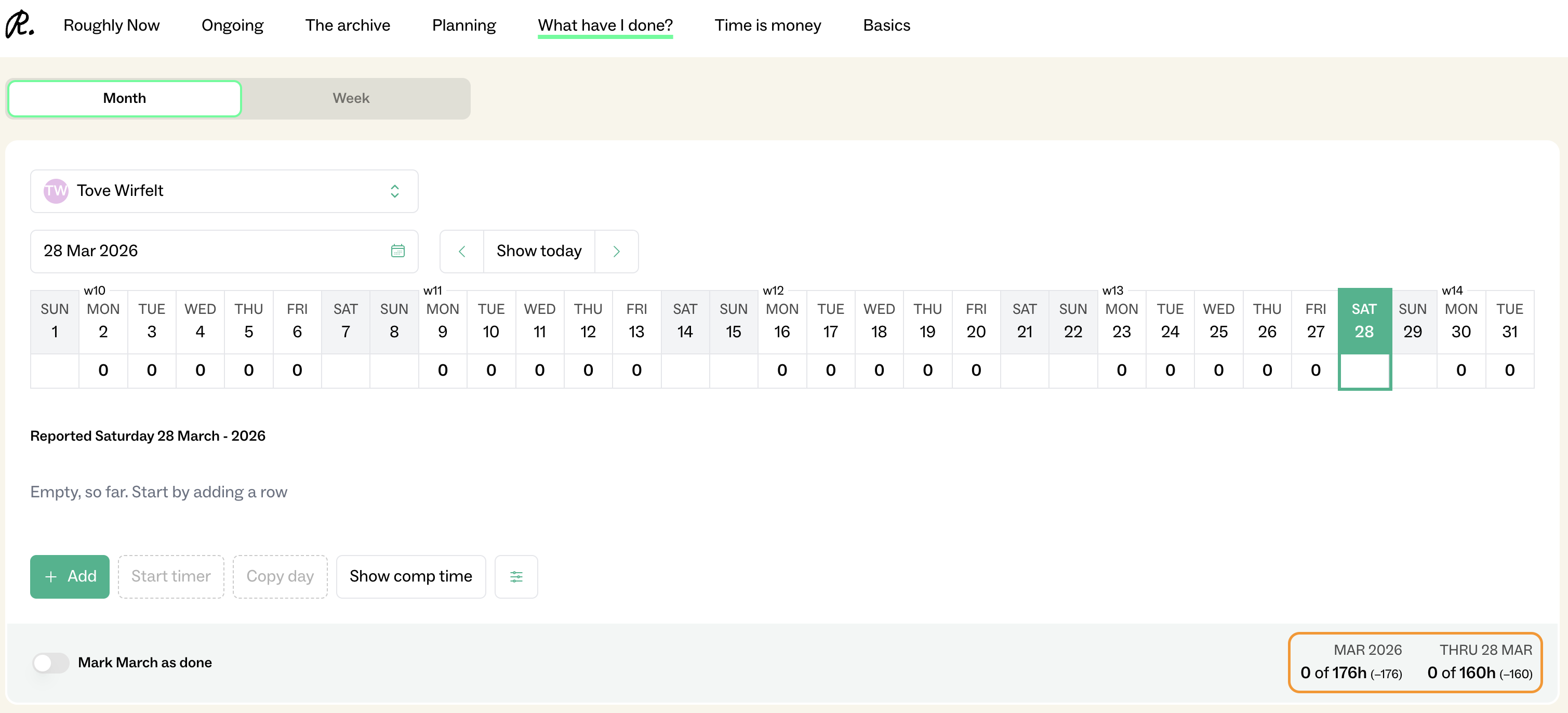
Go to Basics > Employees > Employment per month, change the date to the new year, enter the expected working hours per month in percentage for each employee. Use the "pen icon" to fill in % for all months at the same time. The working hours are shown in the employee’s time reporting view.
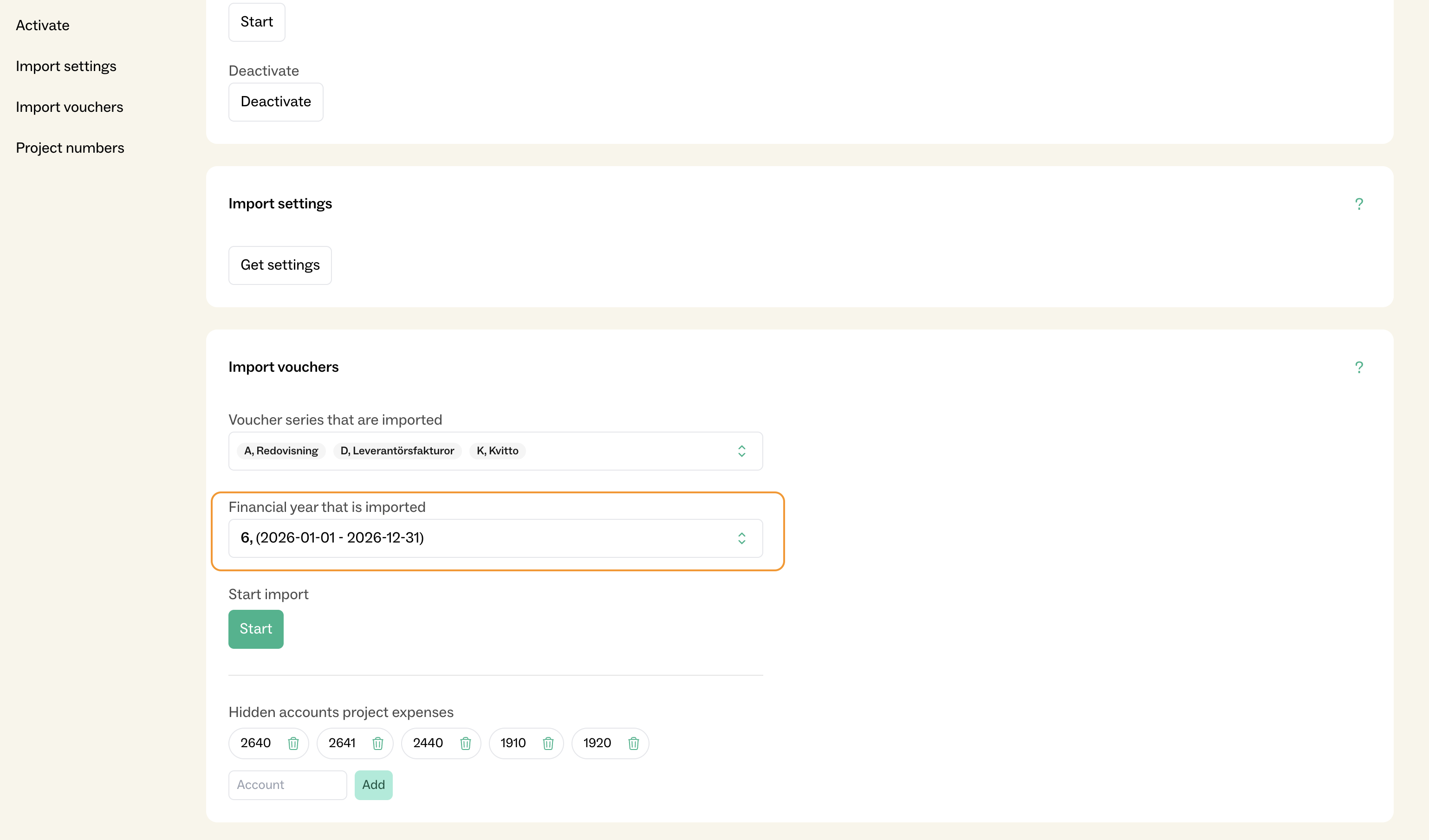
Go to Basics > Fortnox > Import Vouchers, then change the time span to the new year.