Menu
All information about employees is available in Basics and can only be managed by administrators.
Step by step:
1. Go to Basics > Employees
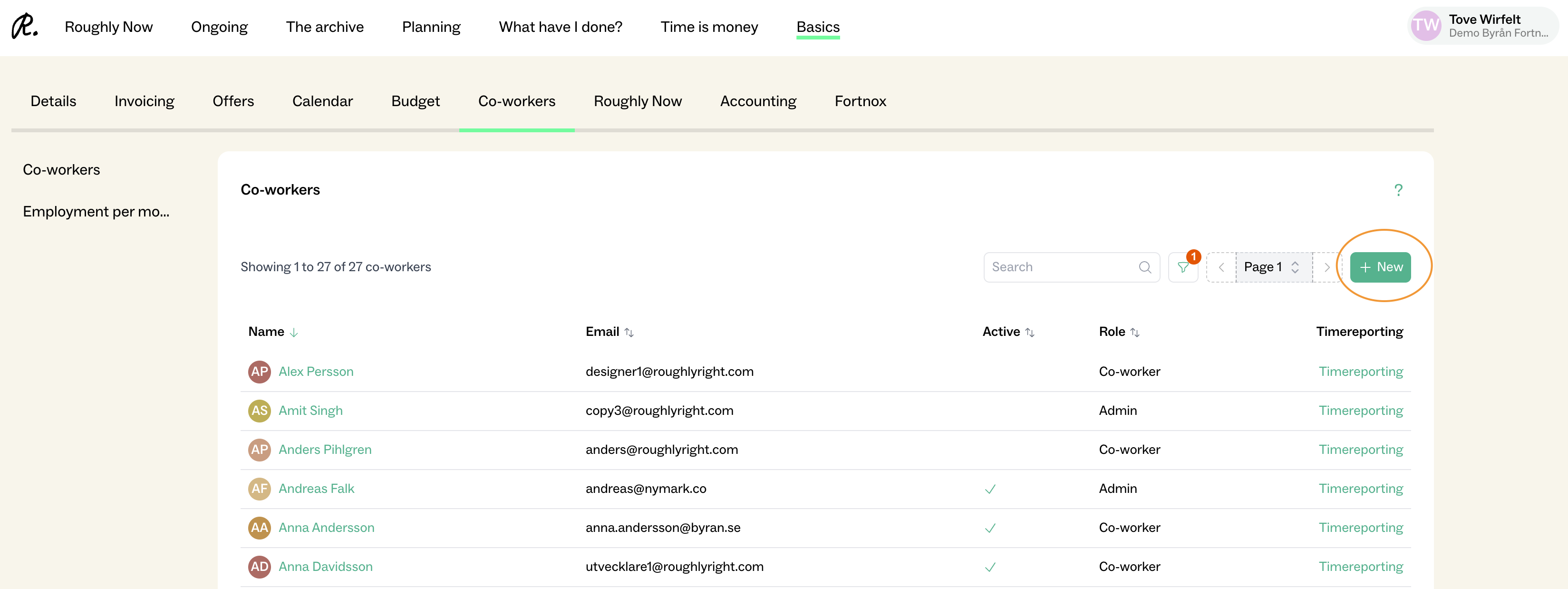
2. Click “+ New” in the top right corner
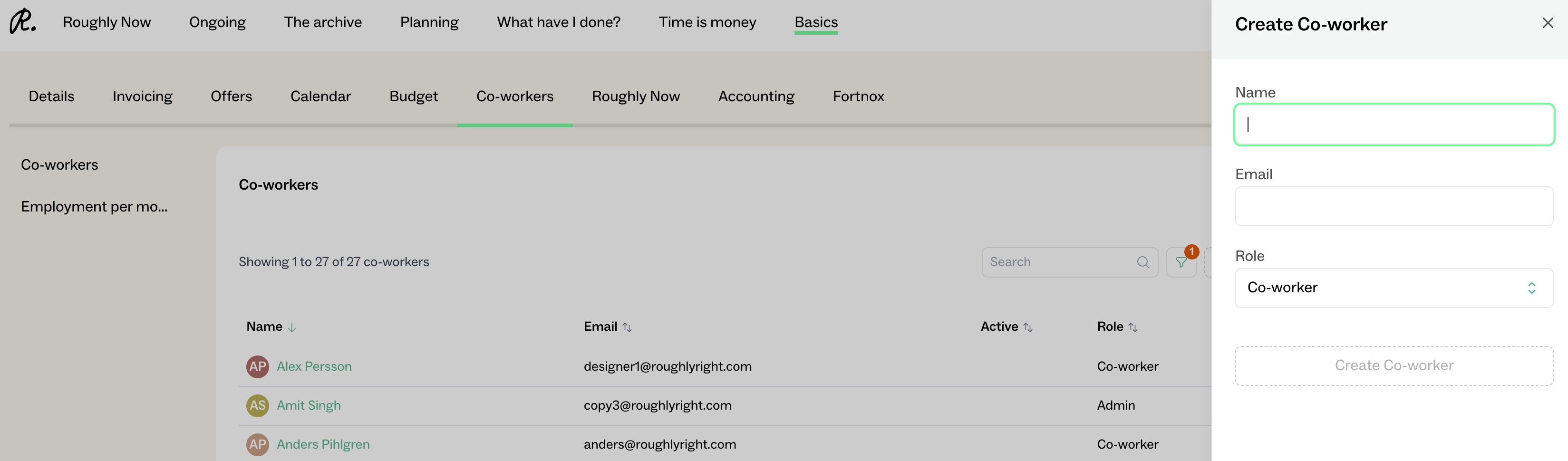
3. Add Name, Email, and assign a role to the employee
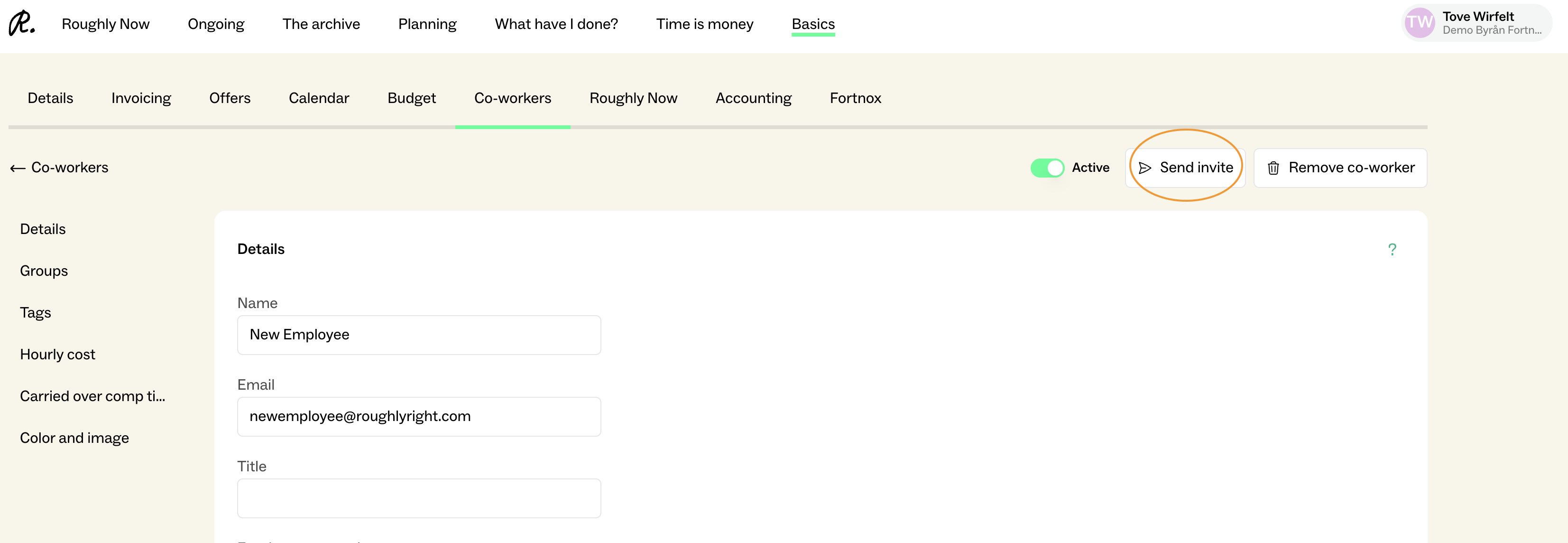
4. Open the employee’s profile and click “Send invitation” in the top right corner – the employee will then receive an email with a link