
Menu
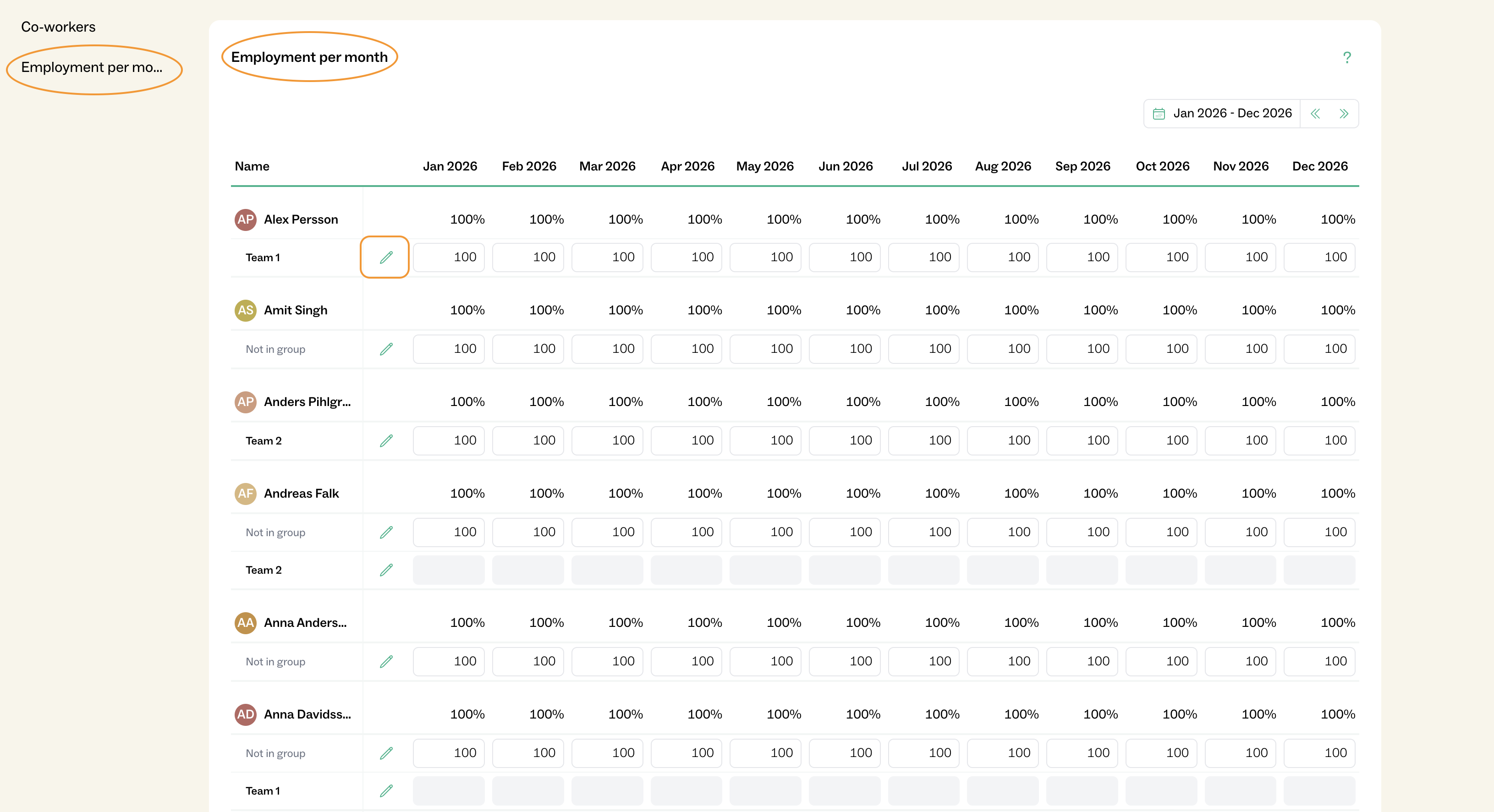
For each employee, there is a setting called Emplyment per Month, which represents the number of hours the person is expected to work and report time for. This is based on their employment agreement (full-time or part-time).
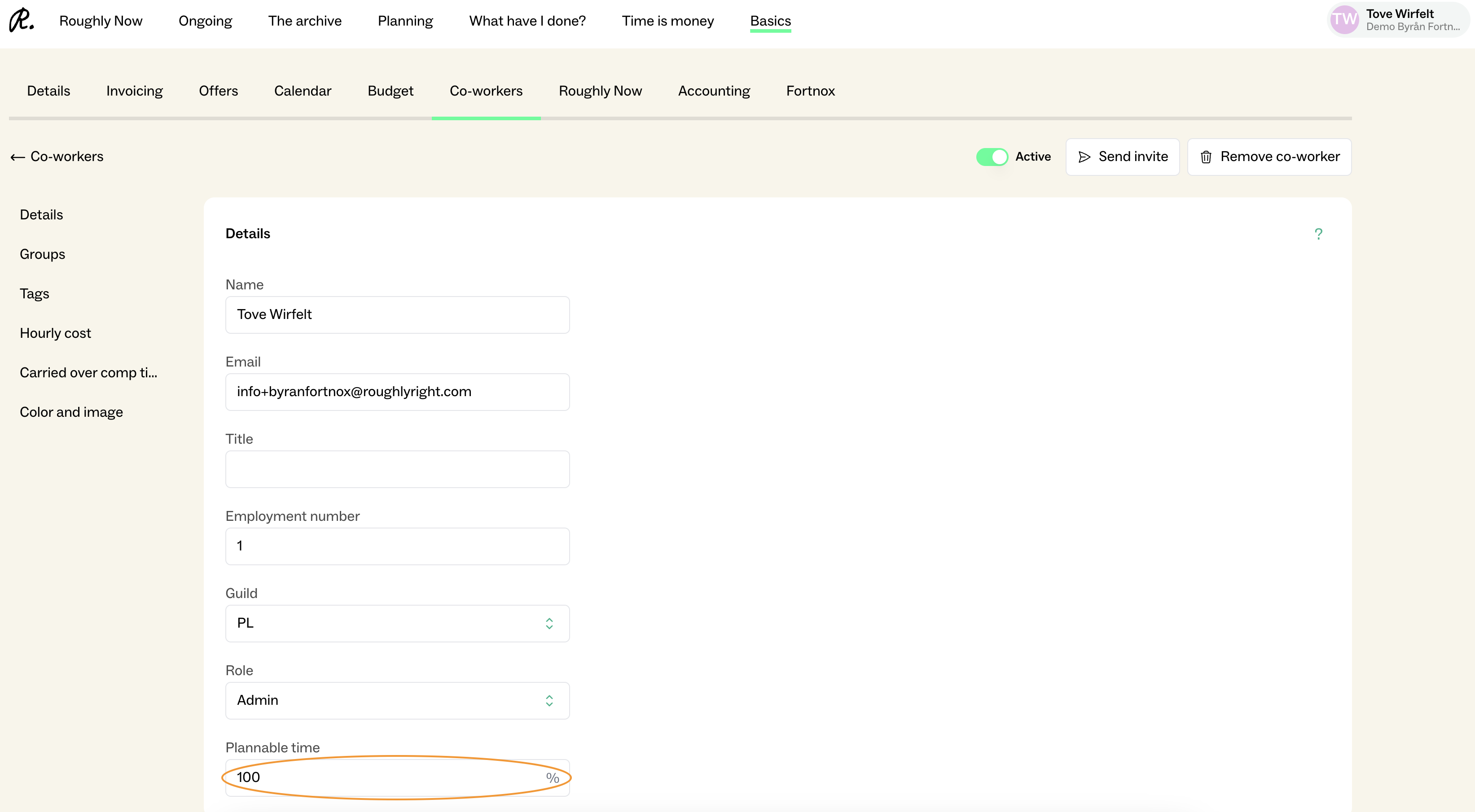
Plannable Time defines how much of that working time can be allocated in planning. This directly affects how the employee appears in the planning view. Both settings can be managed by administrators in Basics.
In the planning view, the employee will appear fully booked once their plannable time is reached.
For example, if plannable time is set to 50%, the employee will appear fully booked at 20 hours (assuming a 40-hour work week).
Note:
The percentage for Plannable Time is always calculated based on the employee’s Employment per Month.